Zettle
Inventory feature
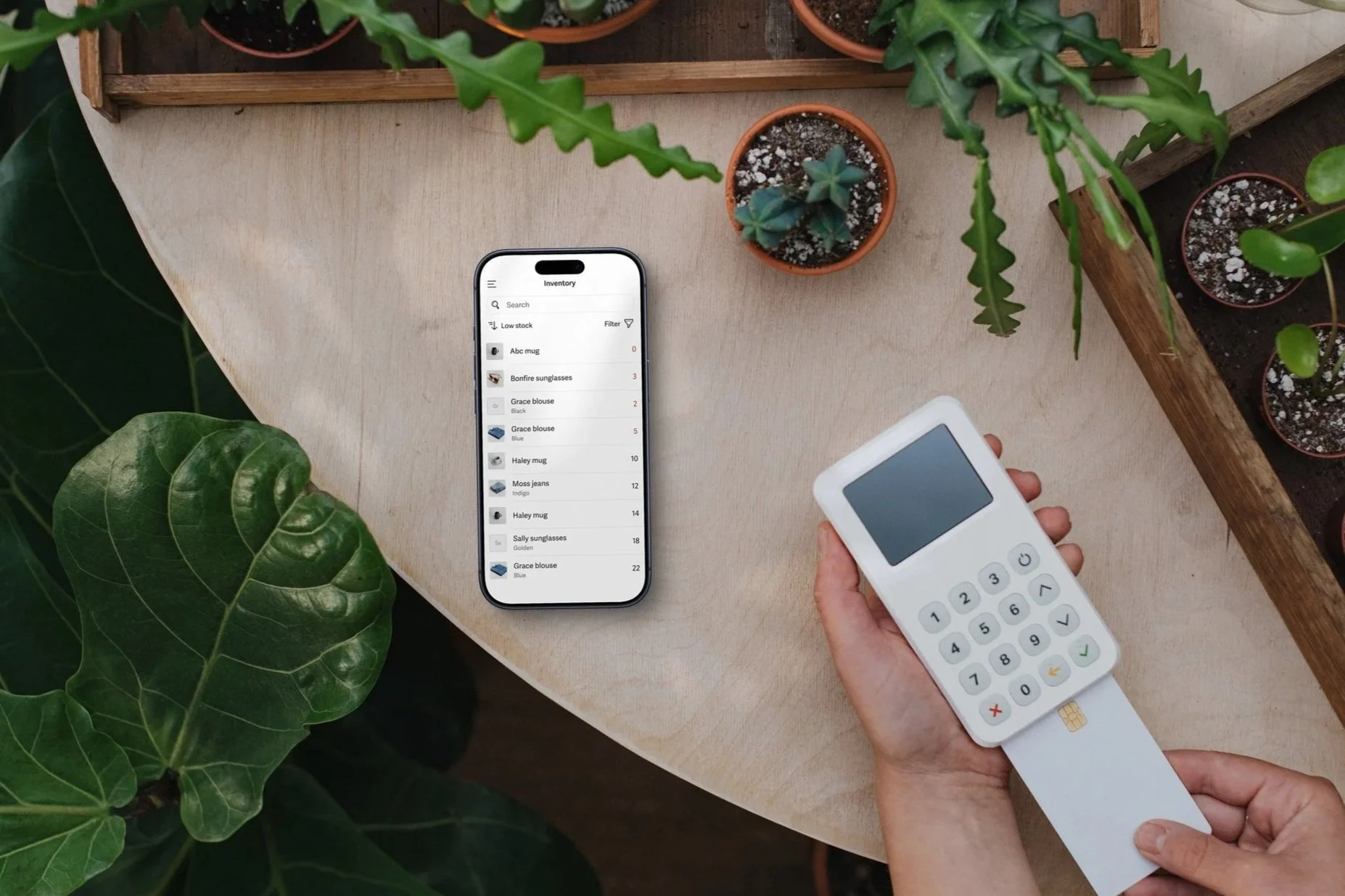
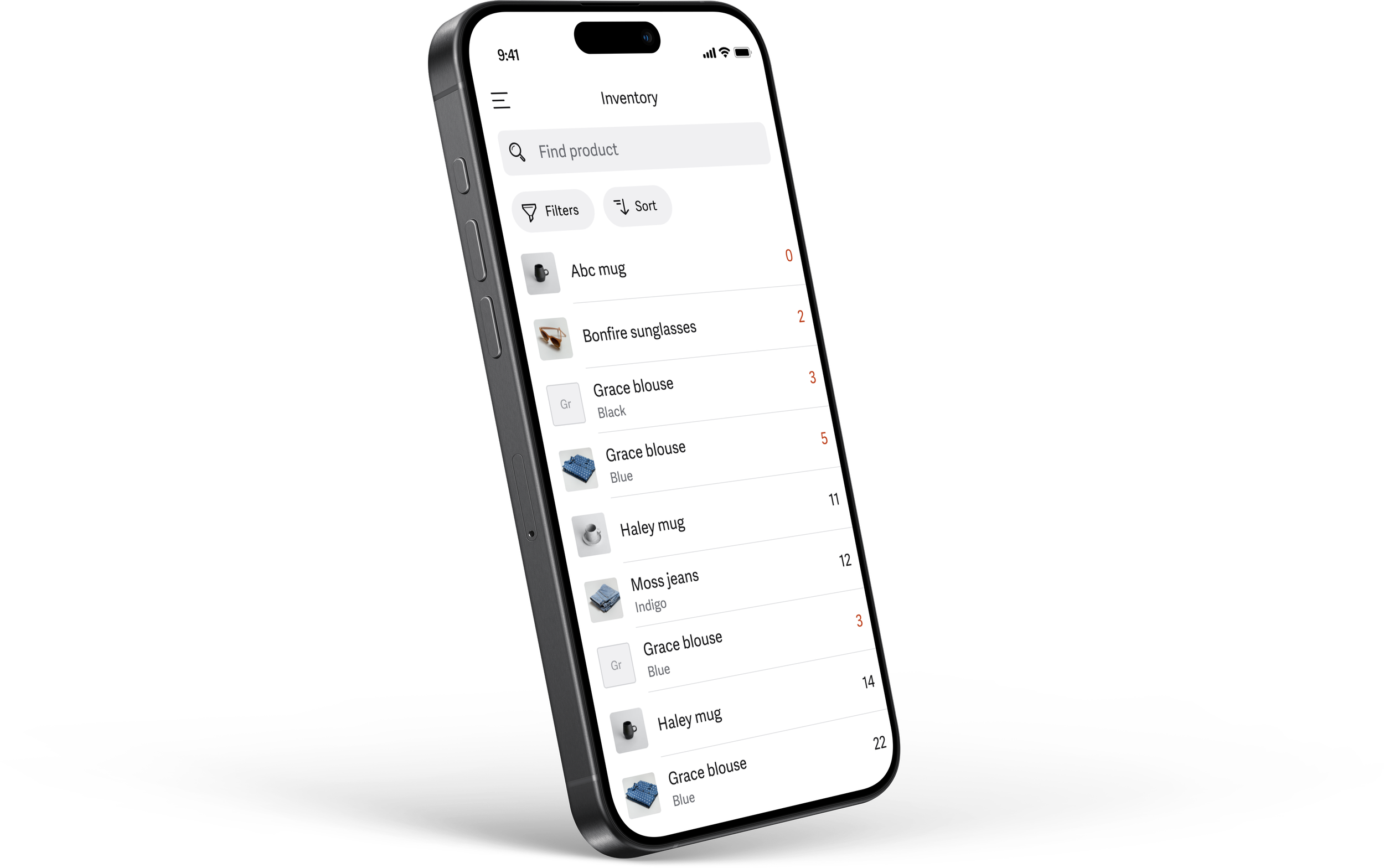
The inventory list in the Zettle POS app helps sellers understand and manage their stock on the go.
In this project I planned and executed a Design sprint as a kickoff for a completely new team. As a part of the design sprint I facilitated a user journey mapping, sketched solutions and made high fidelity prototypes that we tested with real users during the course of the week.
UX design
UI design
User research
Background
Inventory management had long been down prioritised for other exciting and user requested features. As we finally formed a brand new team to take on this challenge, we decided to kick it off with a design sprint. This experimental approach helped us understand, identify, test and validate opportunities fast.
Problem and insights
We quickly identified a hugely underserved use case - Most users manage their inventory in the app. But there was no way to get a overview of stock in the app, which made managing stock tedious and time consuming.
Solution
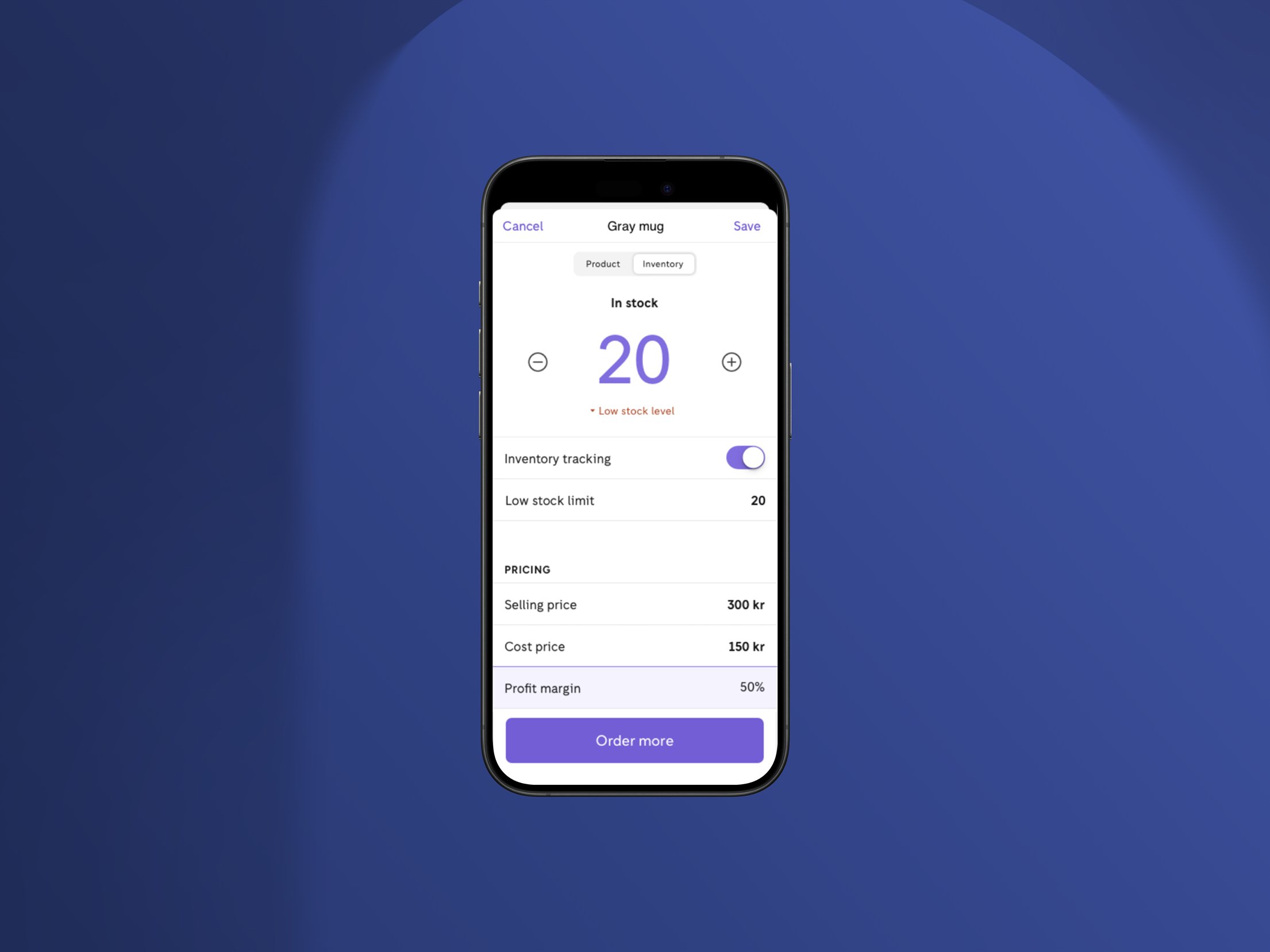
The inventory list provides a dedicated stock overview in the app, giving sellers a simple way to track and manage their items on the go. By surfacing key information at a glance and reducing the number of steps needed to update stock, the new design helps sellers save time, avoid errors and feel more in control of their inventory.